
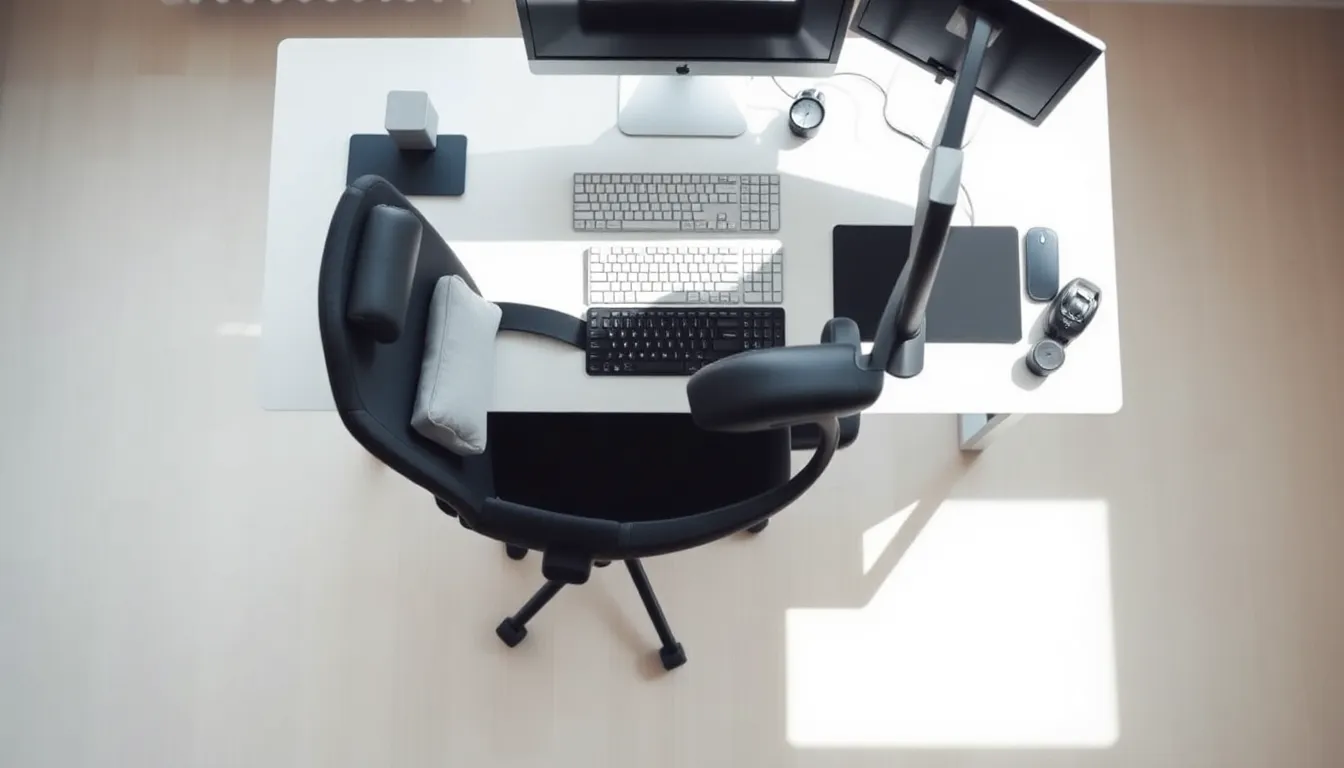
If you work at a computer, you've probably felt it: that creeping tension in your shoulders, the dull ache in your lower back, or the stiffness that greets you when you finally stand up. Sitting at a desk for hours isn't just uncomfortable - it's actively working against your body. The research is clear: prolonged sitting raises your risk of high blood pressure, elevated blood sugar, obesity, heart disease, and even cancer. But here's the thing most people miss - there isn't one perfect posture to freeze yourself into. The right way to sit all day is actually about variety, movement, and setting yourself up for success with a workspace that works with your body, not against it.
Understanding Your Spine's Natural Shape
Your spine isn't straight. It has a natural S-curve that helps distribute weight and absorb shock. When you slouch or hunch forward, you flatten that curve and put extra pressure on your lower back and neck. The solution isn't to sit ramrod straight like you're in military school - that's exhausting and unsustainable. Instead, you want to support that natural curve.
Sit with your back against the chair. Your chair should have lumbar support that fills the gap in your lower back. If it doesn't, roll up a towel or grab a small cushion and place it behind you, right where your lower back curves inward. Your head should stay in line with your shoulders, not jutting forward like a turtle. Think of stacking your ears over your shoulders over your hips.
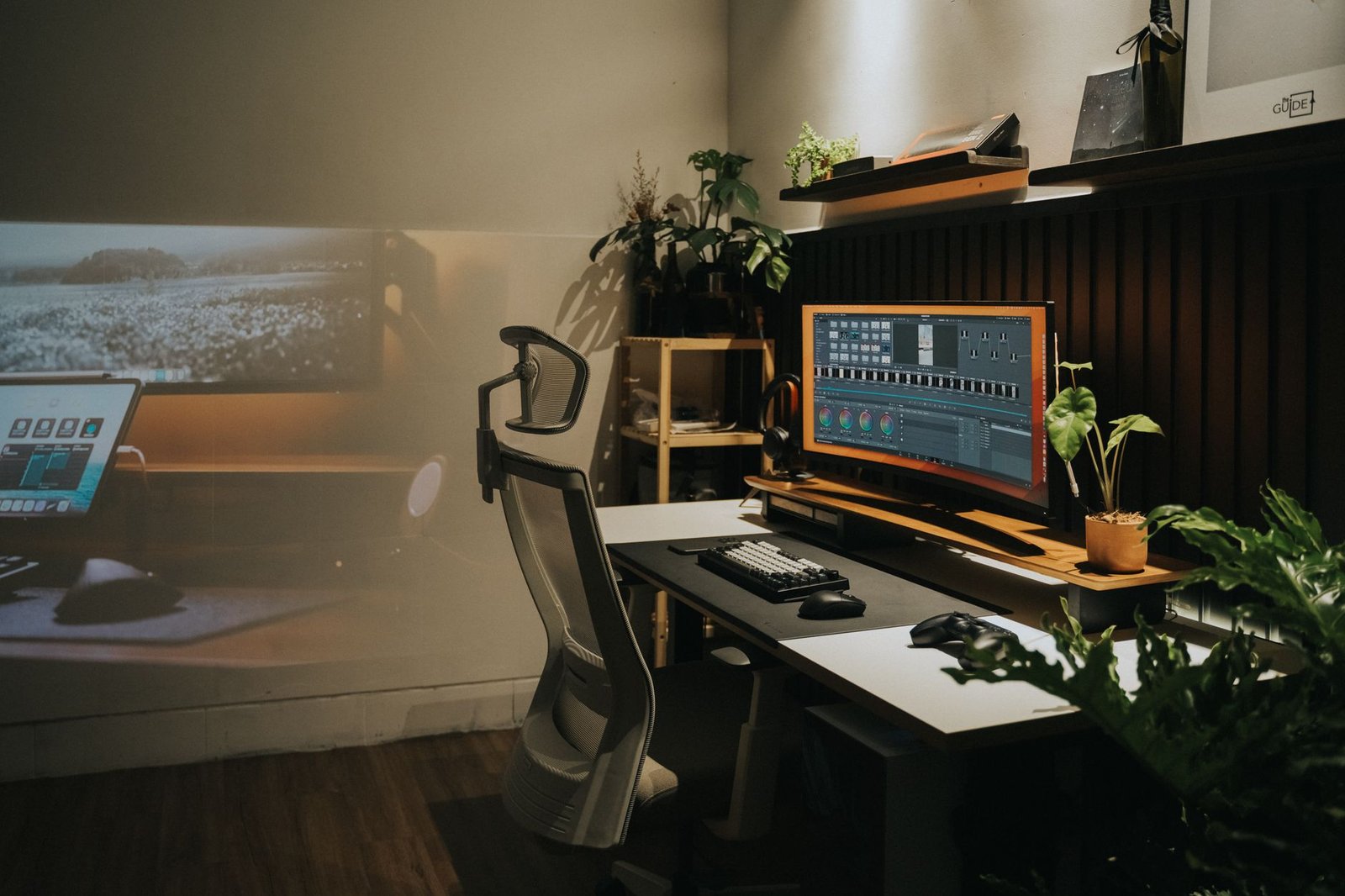
Your feet need to rest flat on the floor or on a footrest. When your feet dangle, you lose that foundation of support and your pelvis tilts, throwing off the entire chain. Your knees should be level with or slightly lower than your hips, creating roughly a 90-degree angle. If your chair is too high and a footrest isn't an option, even a sturdy box or stack of books will work.
Here's what many people get wrong: they think good posture means tension. It doesn't. You should feel supported, not strained. If you're clenching muscles to hold a position, something in your setup needs to change.
Setting Up Your Screen and Keyboard
Your monitor placement directly affects your neck and shoulders. Position your screen at eye level and about an arm's length away. The top of the screen should be at or slightly below eye level so your gaze angles very slightly downward. This keeps your neck in a neutral position instead of tilted up or craned down.
If you use a laptop as your primary screen, you're almost certainly looking down too much. Prop it up on a stand or a stack of books, then use an external keyboard and mouse. Yes, it's an extra step, but chronic neck pain is a much bigger inconvenience than buying a $20 stand.
Your keyboard and mouse should sit at a height where your elbows bend at about 90 degrees and your wrists stay straight, not angled up or down. Your shoulders should stay relaxed, not hunched up toward your ears. If you notice your shoulders creeping up while you type, your work surface is probably too high. Many desks are actually built too tall for average-height people, especially women.
Keep frequently used items within easy reach. Every time you stretch awkwardly to grab your phone or lean way over to reach your mouse, you're adding strain. Your workspace should let you work in that neutral zone without constant reaching or twisting.
The Movement You Actually Need
Even perfect posture becomes problematic when you hold it for hours. Your body needs movement to pump blood, lubricate joints, and keep muscles from getting locked in one position. The goal isn't to sit still all day - it's to sit well and move often.
Stand up and move every 30 to 60 minutes. Set a timer if you need to. These breaks don't need to be long - even two minutes makes a difference. Walk to get water, do a few stretches, or just stand and shift your weight around. The point is to interrupt the sitting pattern and get blood flowing.
When you're sitting, shift positions regularly. Recross your legs the other way. Adjust your chair height slightly. Lean back for a few minutes, then sit forward. There's no single best posture - variety is the best posture. Your body adapts to whatever position you hold for too long, and that adaptation comes with stiffness and discomfort.
Consider a sit-stand desk if it's within your budget. These let you alternate between sitting and standing throughout the day. But standing all day isn't the answer either - standing creates its own problems with leg fatigue and vein pressure. The magic is in the alternation. Start with standing for 15 minutes every hour, then adjust based on what feels sustainable for you.
Small movements count too. Roll your shoulders back a few times. Tilt your head side to side gently. Circle your ankles under your desk. These micro-movements keep your body engaged without disrupting your work flow.
Dealing With the Real-World Constraints
Not everyone has the budget for an ergonomic chair or a fancy adjustable desk. That's reality. But you can still make meaningful changes with what you have. A folded towel becomes lumbar support. Books or a sturdy box elevate a laptop. A kitchen timer reminds you to move.
If you work in an office with standard-issue furniture, you might have more options than you think. Many companies have ergonomic assessment programs or can provide basic equipment if you ask. It's worth having that conversation with HR or your manager - they'd rather invest in a footrest than deal with workers' compensation claims for repetitive strain injuries.
Working from home gives you more control but also more temptation to work from the couch or bed. These spots feel comfortable initially, but they put your body in terrible positions. Your couch doesn't support your spine properly. Your bed is even worse. Designate a real workspace with a proper chair and table, even if it's just a corner of your kitchen.
The biggest challenge isn't knowing what to do - it's actually doing it when you're deep in a project or racing toward a deadline. Build the habits when the pressure is low so they stick when it gets busy. Good sitting habits need to become automatic, like putting on a seatbelt.
Quick Takeaways
- There's no single perfect posture - variety and regular movement matter more than staying frozen in one position
- Support your spine's natural S-curve by sitting back in your chair with your head aligned over your shoulders
- Position your monitor at eye level and an arm's length away to prevent neck strain
- Stand up and move every 30 to 60 minutes to promote blood circulation and prevent stiffness
- Prolonged sitting increases risks of high blood pressure, elevated blood sugar, obesity, heart disease, and cancer
- Keep feet flat on the floor or a footrest with knees at or below hip level
- Small adjustments like a rolled towel for lumbar support or a box to prop up your laptop make real differences without big expense
Conclusion
Sitting at a desk all day doesn't have to wreck your body, but it does require intention. The "right way" isn't about achieving some perfect static pose - it's about supporting your spine's natural shape, positioning your workspace to work with your body instead of against it, and moving regularly throughout the day. Start with the basics: adjust your chair height, position your screen properly, and set a timer to remind yourself to stand up. These aren't complicated changes, but they're the ones that actually make a difference between ending your workday energized or ending it with an aching back and tight shoulders. Your body is designed to move. Give it what it needs, even in small doses, and it will reward you with fewer aches, better focus, and energy that lasts past 3 p.m.
FAQs
How often should I really get up from my desk?
Aim to stand up and move every 30 to 60 minutes. Set a timer if you tend to lose track of time when focused on work. Even a two-minute walk or stretch break helps restore circulation and gives your muscles a chance to reset. The specific interval matters less than making it consistent - find a rhythm that fits your work style and stick with it.
Is it better to sit or stand while working?
Neither sitting nor standing all day is ideal. Your body needs variety. If you have a sit-stand desk, alternate between the two throughout the day - try standing for 15 to 30 minutes out of every hour. If you only have a regular desk, focus on sitting with good support and taking frequent movement breaks. Standing all day creates its own problems with leg fatigue and circulation issues.
What's the most important ergonomic adjustment I can make?
If you can only change one thing, adjust your monitor height. Position it at eye level, about an arm's length away. This single change prevents the forward head posture that causes most neck and shoulder pain in desk workers. For laptop users, this means getting a stand and external keyboard - it's a small investment that prevents major discomfort.
Can a standing desk really improve my health?
A standing desk helps by letting you alternate positions, which reduces the health risks linked to prolonged sitting. However, standing all day brings its own issues like leg fatigue and lower back strain. The benefit comes from variation - switching between sitting and standing throughout the day keeps your body engaged and reduces the strain of holding any single position for too long.